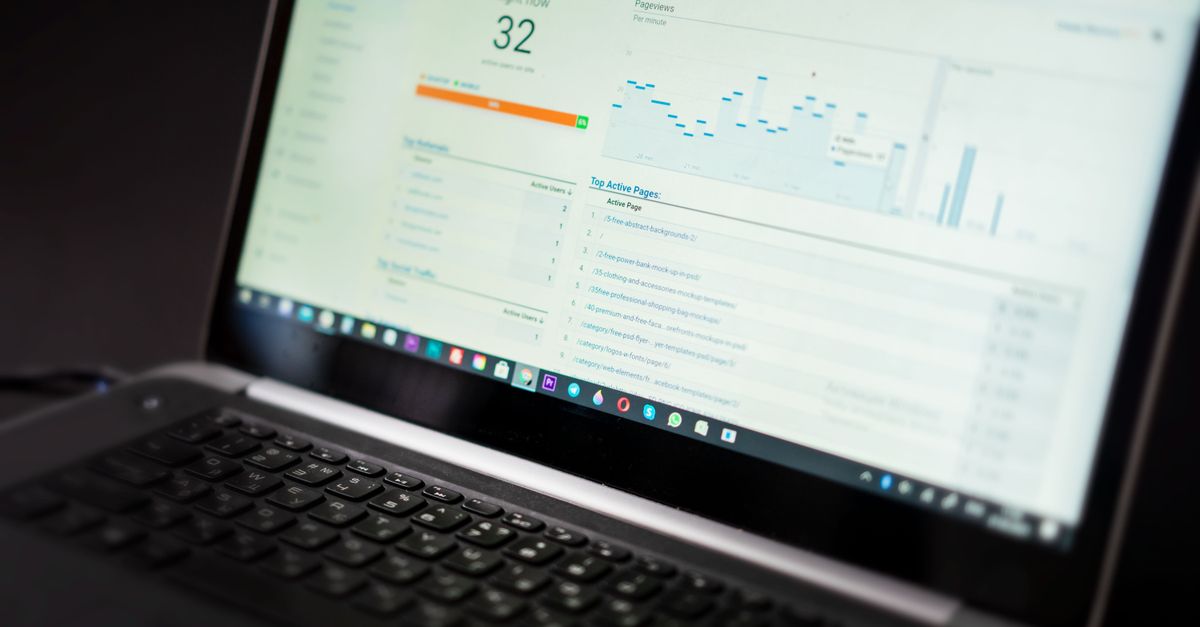
Core Web Vitals are a set of three key metrics (LCP, FID, CLS) that Google uses to assess a site’s usability. For WooCommerce‑based stores their importance is double: they affect both search ranking and conversion rate. In this article we present a practical approach to optimizing WooCommerce Core Web Vitals, discuss real‑world costs, recommended tools, and the most important trade‑offs.
Why do Core Web Vitals matter for e‑commerce?
Google research has shown that every second of delay in page loading can reduce conversions by up to 7 %. LCP (Largest Contentful Paint) measures the time it takes to render the largest element visible in the browser viewport – usually a product image or a promotional banner. FID (First Input Delay) assesses the response to the user’s first interaction, and CLS (Cumulative Layout Shift) reports unexpected element shifts. All of these factors directly impact the shopping experience.
How to improve LCP in WooCommerce?
The most common causes of a high LCP in WooCommerce stores are large product images, inefficient themes, and lack of server optimization. Here are concrete steps:
- Use modern image formats (WebP, AVIF) and enable native lazy‑loading in WordPress (since version 5.5).
- Configure
srcsetandsizesso the browser fetches an appropriately sized image. - Implement server‑level caching (Redis, Memcached) and a CDN to speed up delivery of static assets.
- Minify and combine CSS/JS files using plugins such as Autoptimize or WP Rocket.
Cost of Core Web Vitals optimization for e‑commerce
Depending on the store’s size and complexity, costs can be divided into three main groups:
- Audit and analysis – from 2,000 to 5,000 PLN, covering measurement of LCP, FID and CLS and identification of bottlenecks.
- Technical implementation – from 5,000 to 15,000 PLN, depending on the number of changes (image optimization, CDN migration, theme refactoring).
- Monitoring and maintenance – from 500 to 1,500 PLN per month, for continuous monitoring and updates.
It’s worth emphasizing that performance investment pays off not only through better Google rankings but also via higher conversion rates and lower bounce rates.
Tools for monitoring WooCommerce Core Web Vitals
For ongoing metric control we recommend a set of tools that integrate directly with WordPress:
- PageSpeed Insights – fast assessment and recommendations from Google.
- Web Vitals Chrome Extension – real‑time view during manual testing.
- GTmetrix – detailed reports broken down by resource.
- Perfmatters + WP Rocket – plugins that allow disabling unnecessary scripts and optimizing loading.
After setting up monitoring, it’s advisable to configure alerts in Google Search Console to receive notifications of metric drops.
Best technical SEO practices for WooCommerce stores
Beyond Core Web Vitals optimization, consider several additional technical SEO aspects:
- Maintain friendly, descriptive
alttags for product images – they help with Google Images ranking. - Implement structured data (schema.org) –
Product,Offer, andReviewincrease the chance of rich snippets. - Use
rel="canonical"for products available under multiple URLs (e.g., filters). - Regularly update your XML sitemap and submit it in Search Console.
“Performance is not an add‑on, it’s the foundation of any e‑commerce strategy – without it even the best product won’t sell.”
Practical checklist – step by step
Below you’ll find a ready‑to‑use action plan you can implement in your store:
# 1. Initial audit
- Run PageSpeed Insights and record LCP, FID, CLS values.
- Identify the heaviest images (size > 200 KB).

# 2. Image optimization
- Convert all photos to WebP.
- Enable lazy‑loading in functions.php:
  add_filter('wp_lazy_loading_enabled', '__return_true');

# 3. CDN and cache
- Set up a CDN (e.g., Cloudflare) and set TTL to 1‑day.
- Enable Redis on the server and connect it in wp-config.php:
  define('WP_REDIS_HOST', '127.0.0.1');

# 4. Minification and resource bundling
- Install WP Rocket and enable the "Minify CSS/JS" option.
- Disable unused WooCommerce scripts (e.g., cart‑fragments block).

# 5. Regression testing
- After each change, run PageSpeed Insights again.
- Check FID in Chrome DevTools (Performance tab).

# 6. Continuous monitoring
- Add alerts in Search Console for Core Web Vitals.
- Set a weekly report in GTmetrix.
Typical mistakes and trade‑offs in optimization
In practice many projects run into pitfalls that can undermine efforts:
- Over‑compressing images – too low a quality level leads to loss of product appeal.
- Disabling all WooCommerce scripts – may cause the cart to stop working or payments to malfunction.
- Using overly aggressive cache – product changes won’t be visible to customers, which can be misleading.
A sensible approach is to test every change on a staging environment and measure the impact on LCP, FID and CLS before deploying to production.
Conclusion and invitation to collaborate
Optimizing WooCommerce Core Web Vitals is a process that combines technical improvements (images, cache, CDN) with solid technical SEO. Investing in performance yields tangible benefits – better Google rankings, higher conversion rates, and satisfied customers. If you need assistance with an audit, implementing recommendations, or ongoing monitoring, the Coderia.it team is ready to help. Contact us, and together we’ll elevate your WooCommerce platform to a higher level of performance and business results.